Screen Time and Eye Health: What Toowoomba Residents Should Know
Australians spend an average of more than 10 hours per day in front of screens — TVs, computers, smartphones, and tablets. For many workers and students in Toowoomba, screens are simply part of daily life. But heavy screen use comes with real consequences for your eye comfort and long-term health.
This guide explains what happens to your eyes during extended screen use, what digital eye strain feels like, and what you can do about it.
What Is Digital Eye Strain?
Digital eye strain (also known as computer vision syndrome) is a group of eye and vision problems caused by prolonged screen use. It’s not a single condition but a cluster of symptoms that occur when the visual demands of screen work exceed your visual capabilities.
Symptoms typically include:
- Eye fatigue or soreness
- Headaches, especially across the forehead or behind the eyes
- Blurred or double vision after screen use
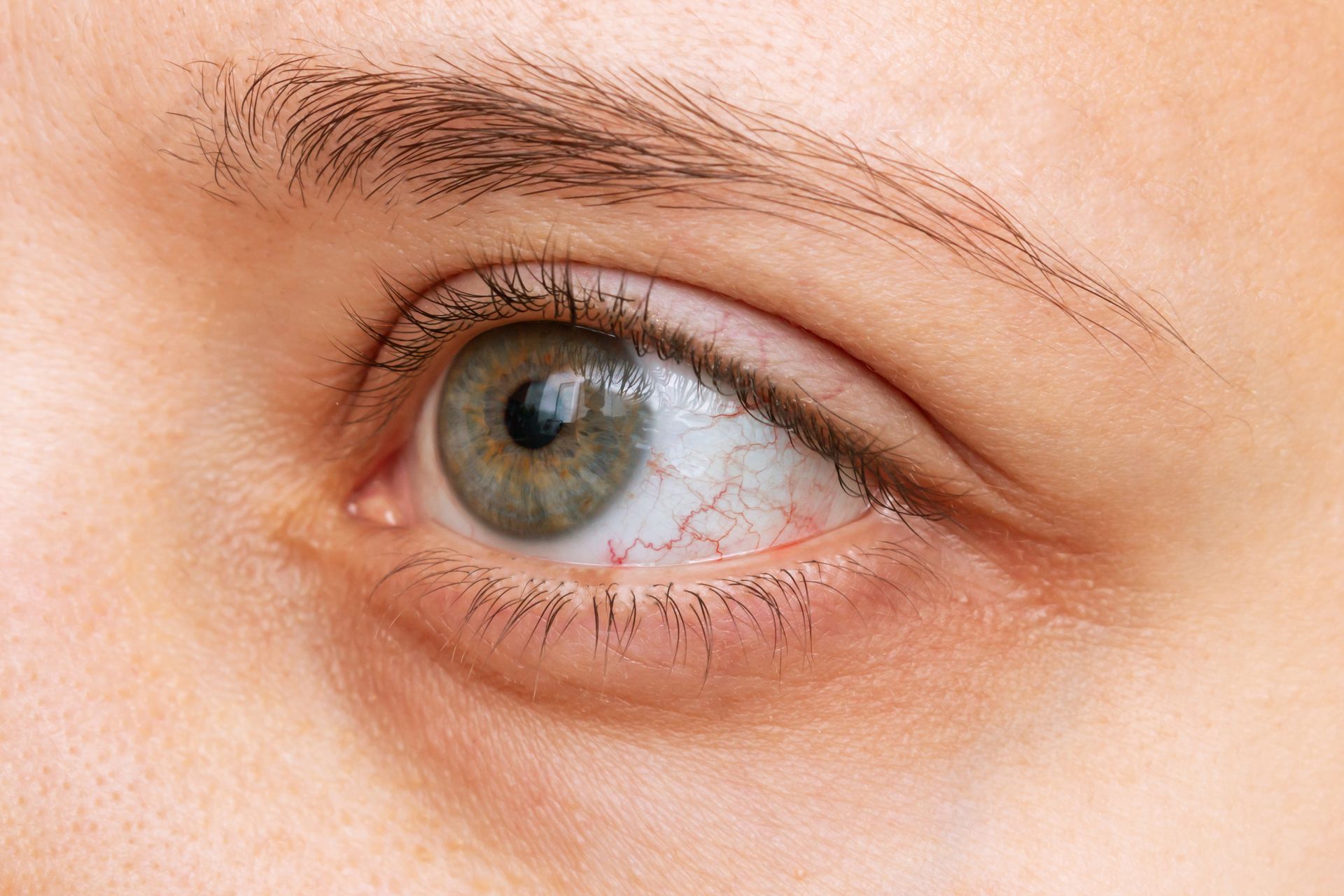
- Dry, irritated, or watery eyes
- Neck, shoulder, or back pain
- Difficulty refocusing between near and far
- Sensitivity to glare
Symptoms usually ease with rest, but in some people they persist or worsen over time without intervention.
Why Screens Are Hard on Your Eyes
Several factors make screen use more visually demanding than reading a printed page:
Reduced blink rate: We blink around 15–20 times per minute normally, but this drops to 5–7 times per minute during screen use. Blinking is essential for spreading tears across the eye surface — reduced blinking leads to faster evaporation, dry spots, and discomfort.
Constant refocusing: Screens typically involve rapidly shifting focus between near content, messages, and other applications. This sustained focusing effort fatigues the eye muscles.
Glare and reflections: Screen glare — from the screen itself, reflections from windows, or overhead lighting — causes the eyes to work harder.
Blue light: Screens emit higher levels of short-wavelength blue light than natural lighting. While the evidence that this causes permanent eye damage is still evolving, blue light has been shown to affect alertness and sleep quality, particularly with evening screen use.
Screen resolution and contrast: Poorly calibrated screens with low contrast or small text require additional effort from the visual system.
The 20-20-20 Rule
One of the most practical tools for reducing digital eye strain is the 20-20-20 rule:
Every 20 minutes, look at something 20 feet (6 metres) away for 20 seconds.
This gives your eye muscles a brief rest from sustained near focus and encourages more frequent blinking. It won’t eliminate eye strain on its own, but it makes a noticeable difference for regular screen users.
Workstation Setup Tips
Where and how you position your screen matters:
- Screen distance: The screen should be roughly arm’s length (50–70cm) from your eyes
- Screen height: The top of the monitor should be at or just below eye level
- Lighting: Avoid placing screens in front of or directly beneath strong light sources. Use a diffuser or blind to reduce window glare
- Screen settings: Increase text size rather than reducing screen distance. Adjust brightness and contrast so the screen doesn’t feel like a light source in a dark room
- Blink consciously: Remind yourself to blink fully and regularly, especially during intense concentration
Glasses for Screen Use
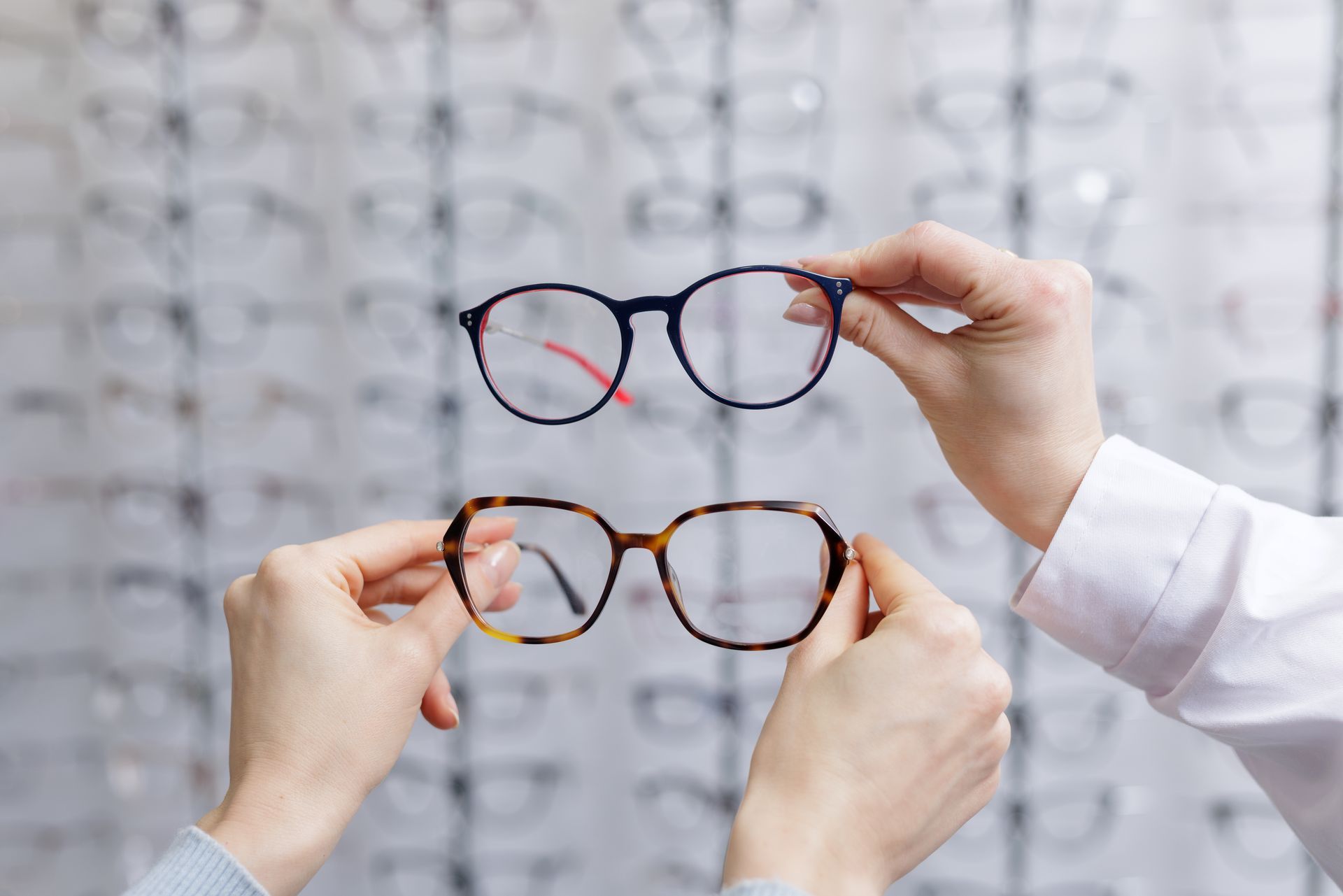
If you wear glasses, they may not be optimised for screen work. Standard distance glasses aren’t designed for the 50–70cm viewing distance of a monitor. Reading glasses are set for even closer than that.
Office or occupational lenses are designed specifically for the intermediate distances of computer work, with a wider viewing area at the screen distance and additional near correction for reading. Many people who sit at a computer all day find these significantly more comfortable than their regular glasses.
Anti-reflective (AR) coatings can also make a significant difference for screen users by reducing glare and reflections on the lens surface.
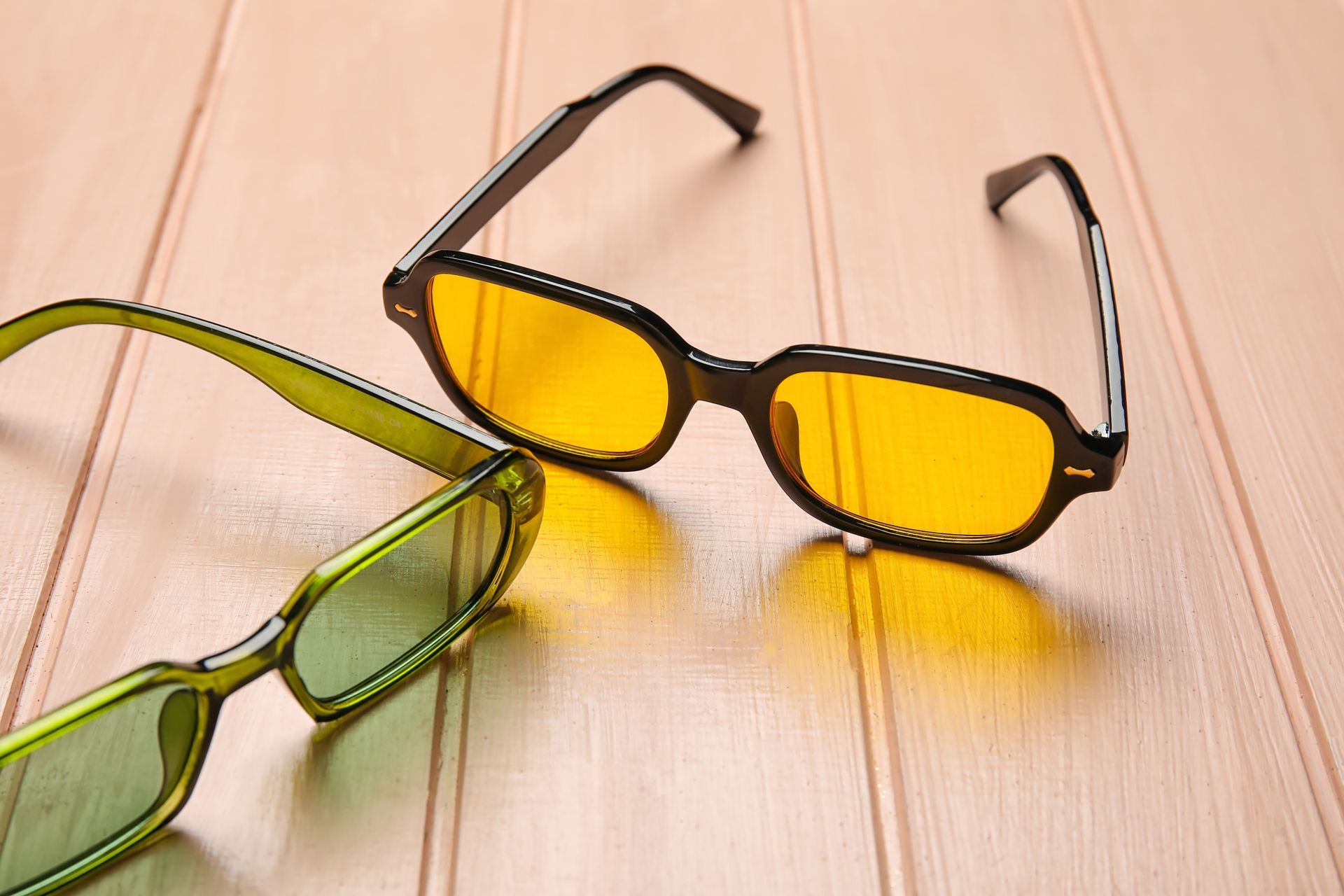
Blue light filtering lenses are another option. The evidence for their effectiveness in reducing eye strain is mixed, but many patients report subjective improvement — particularly for evening screen use and sleep quality.
Our optical dispensing team can advise you on the most appropriate lens option for your work and lifestyle.
Children and Screen Time
Children’s eyes are still developing, and heavy screen use has been linked to faster progression of myopia. Practical strategies for managing children’s screen time include:
- Following the Australian Government guidelines (no screens for under 2 years, limited use for 2–5, no more than 2 hours recreational screen time for school-aged children)
- Ensuring at least 90 minutes of outdoor time daily — outdoor light has been shown to be protective against myopia development
- Annual eye tests for school-aged children, especially if myopia has been identified
When to See an Optometrist
Book an appointment if:
- Eye strain symptoms are frequent or don’t resolve with rest
- Your vision is blurring during or after screen use
- You’re getting regular headaches associated with screen work
- Your current glasses don’t feel comfortable for computer work
- You’ve noticed your prescription has changed
Call Darling Downs Optometry on (07) 4638 8828 or book online. We’re at 355 Ruthven Street, Toowoomba and offer bulk billing for eligible patients.
Darling Downs Optometry — 355 Ruthven Street, Toowoomba QLD 4350 —
(07) 4638 8828